20 Years of Supporting Schools
Take Control of Your School'sMicrosoft 365Security. Identity. Access. Governance. One environment your school can control.
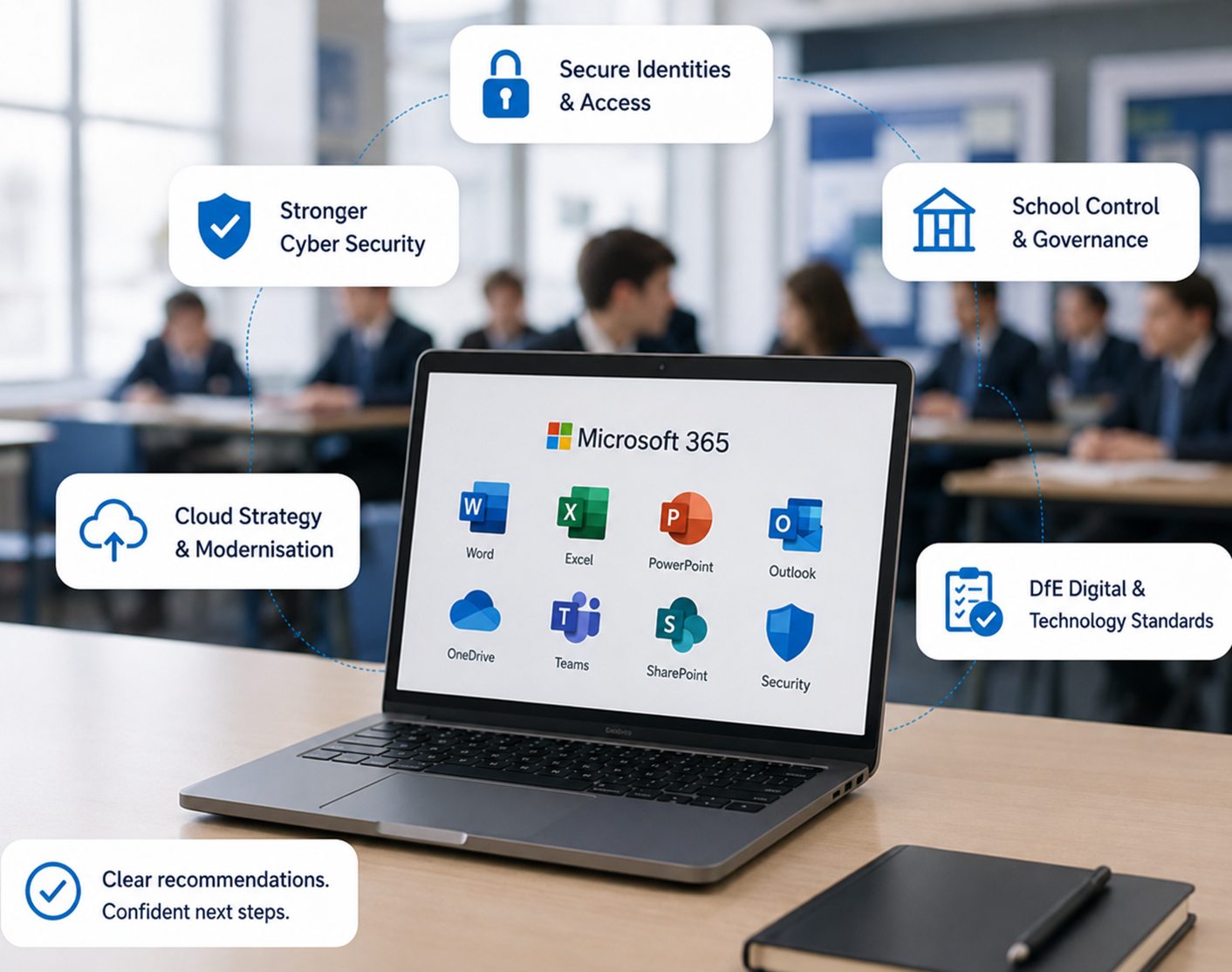
Start a wider conversation about your Microsoft 365 environment, email, security, identity and access management, cloud strategy and long-term technology planning.
No obligation.
Practical, expert advice.
Focused on security
and risk reduction.
Plan with confidence
for the future.
Why This Matters for Your School
Your current email and Microsoft 365 environment could be leaving you exposed.
Even if everything seems to be working, hidden risks and limitations could be affecting your security, control and future options.

Email Security Risks
Legacy or centrally provided email services may not meet modern security requirements.

Limited School Control
Lack of control over accounts, data, settings and access policies.

Identity & Access Gaps
Weak or inconsistent identity management increases risk and admin overhead.

Cloud Strategy Unclear
Unsure how your school can use cloud technology effectively and securely.

DfE Standards Alignment
You need confidence that your current setup is aligned with DfE digital and technology standards.
A clearer direction for schools
DfE 2030 Standards: Where Does Your School Stand?
The DfE has set 6 core digital and technology standards that every school should be working towards by 2030 — including cyber security, filtering and monitoring, and digital leadership and governance. Your Microsoft 365 setup directly affects several of them. This review shows you exactly where you stand.
The important question is: where does your school stand today?
Our Complimentary Offer
20 Schools. 20 Years. Free Microsoft 365 Readiness Reviews — Normally a Paid Consultation
To mark our 20th anniversary, we're offering the first 20 schools a complimentary Microsoft 365 readiness & Email Security Review — a service we normally provide as a paid consultation.
Book Your Complimentary ReviewWhat's Inside Your Complimentary Review Report
A clear, practical report to help your school make informed decisions.
- 01Current positionA clear view of your existing Microsoft 365, email and technology environment.
- 02Security risks and opportunitiesIdentify risks, vulnerabilities and opportunities to strengthen your security posture.
- 03Management improvementsPractical recommendations to improve control, governance and administration.
- 04Relevant DfE alignmentAssessment against the relevant DfE Digital and Technology Standards.
- 05RecommendationsClear, prioritised recommendations tailored to your school’s needs.
- 06Whether migration is appropriateAn honest assessment of whether Microsoft 365 migration is the right step.
- 07Roadmap and next stepsA practical roadmap showing what should happen next and in what order.
- 08Indicative project budgetIndicative investment levels to help you plan with confidence.
Why Microsoft 365?
More than email. A secure, connected and school-controlled environment.

Secure Identity
Centralised identity, authentication and access management.

Microsoft 365 Email
Modern, secure email through Exchange Online and Outlook.

Collaboration
Teams, SharePoint and OneDrive for connected, efficient working.

Security
Stronger security controls for users, devices and data.

School Control
Greater visibility and control over your Microsoft environment.
Cloud Strategy
A scalable foundation for your school’s long-term technology plans.
Our Approach
A proven approach to help your school move forward.

Assess
Review your existing email, users, infrastructure, security and risks.

Plan
Develop a Microsoft 365 strategy based on your school’s needs.

Prepare
Prepare identities, users, devices, data and systems for the transition.

Migrate
Move email, users, data and services securely with minimal disruption.

Secure
Implement security, identity, access and management controls.

Support
Provide training, documentation and ongoing support after implementation.
Take the First Step
Ready to Take Control of Your School's Technology Future — and Stay Ahead of DfE Standards?
Book your complimentary review today.
Book Your Complimentary Review